Google Gemini Cover Letter Prompts: Practical AI Guide


Milad Bonakdar
Author
Use Google Gemini to draft a tailored cover letter without sounding generic. Get a prompt framework, role-specific examples, editing checks, and guidance on what to verify before sending.
Key Takeaways
- Google Gemini can help you draft a cover letter, but the final letter should still be reviewed, personalized, and fact-checked by you.
- The best Gemini cover letter prompts include the job description, your resume details, the exact role, tone, length, and the proof points you want to emphasize.
- Treat Gemini as a drafting assistant: use it to organize your ideas, then edit for accuracy, warmth, and a clear match to the job.
Yes, you can use Google Gemini to write a cover letter. The safest way to use it is to give Gemini enough context to draft a focused first version, then revise the output so it sounds like you and only includes claims you can defend.
A strong Gemini cover letter is not a generic AI letter with the company name swapped in. It should connect three things: what the employer is asking for, what your resume proves, and why this role makes sense as your next step.
What Gemini Can Help With
Gemini can help you move from a blank page to a usable draft. It can summarize a job description, identify repeated skills, suggest a structure, rewrite a rough paragraph, and create alternate versions for different tones.
It is less reliable when you ask it to invent details, infer missing accomplishments, or summarize a long resume without enough context. Google Gemini can work with uploaded files, but large or complex files can lead to missed details. If your resume is long, paste the most relevant sections or give Gemini a short career summary instead of expecting it to find every important point.
Gemini was formerly called Bard, but Bard became Gemini in 2024. If you see older advice about a Google Bard cover letter, the same basic prompting ideas apply, but the current product name is Gemini.
Before You Prompt Gemini
Collect the materials Gemini needs before you ask for a draft:
- The job title, company name, and job description.
- Your current resume or the most relevant resume sections.
- Two or three achievements that match the role.
- Any career context the resume does not explain, such as a career change, relocation, gap, or recent graduation.
- Your preferred tone, length, and format.
Also decide what not to share. A cover letter prompt can include personal career information, so avoid adding private details you do not want processed by an AI tool. Use your own judgment with addresses, phone numbers, compensation history, references, and sensitive employer information.
A Strong Gemini Cover Letter Prompt
Use this prompt as a starting point:
I am applying for the [job title] role at [company]. Use the job description and resume notes below to draft a one-page cover letter. Keep the tone professional, clear, and natural. Open with why this role fits my background, use one short body paragraph to connect my most relevant achievements to the job requirements, and close with interest in discussing the role. Do not invent metrics, titles, tools, or experience. If information is missing, use brackets instead of guessing.
Then paste the job description and your resume notes underneath.
This prompt works because it gives Gemini a role, evidence, structure, tone, and a guardrail against hallucinated details. You can improve it further by adding, “Use plain language and avoid phrases that sound generic, such as I am writing to express my interest.”
Role-Specific Gemini Prompts
Marketing Prompt
Draft a cover letter for a [marketing role] at [company]. Emphasize my experience with [channels], [campaign type], and [metric or result]. Use the job description to identify the top three priorities, but only include achievements from my resume notes. Keep the letter under 300 words.
Customer Success Prompt
Write a cover letter for a [customer success role] at [company]. Highlight my experience with onboarding, retention, difficult customer conversations, and cross-functional work. Use a warm but professional tone and include one specific customer outcome from my notes.
Project Manager Prompt
Create a cover letter for a [project manager role]. Connect my planning, stakeholder communication, and delivery experience to the job description. Include one project example with scope, constraints, and outcome. Do not overstate responsibility.
Career Change Prompt
Draft a cover letter for a career change from [current field] to [target field]. Explain the transition briefly, then focus on transferable skills from my resume: [skill], [skill], and [skill]. Make the letter confident without apologizing for my background.
Software Engineer Prompt
Write a concise cover letter for a [software engineer role] at [company]. Highlight the languages, frameworks, and product experience that match the job description. Mention one project result from my resume notes and keep the tone direct.
How To Improve Gemini's First Draft
Do not send the first draft unchanged. Run a second prompt that asks Gemini to improve the letter against a clear checklist:
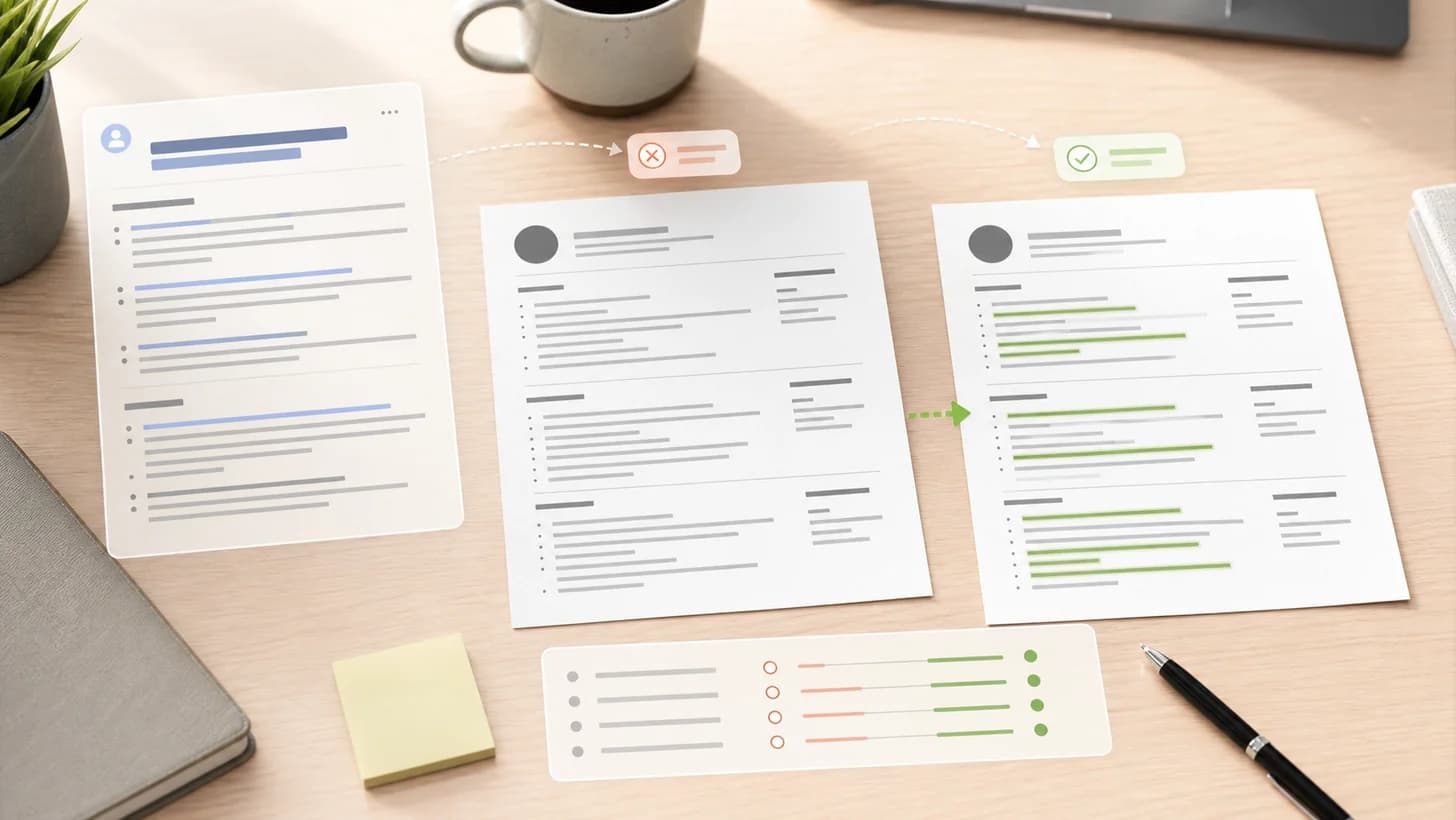
Review this cover letter against the job description. Flag any generic sentences, unsupported claims, missing keywords, or parts that do not sound specific to this company. Suggest edits, but do not add new facts.
Then edit manually. Look for vague lines like “I am passionate about innovation” and replace them with real evidence: “In my last role, I helped launch a weekly reporting workflow that reduced manual status updates for the sales team.”
Use Minova When You Want Less Copying And Pasting
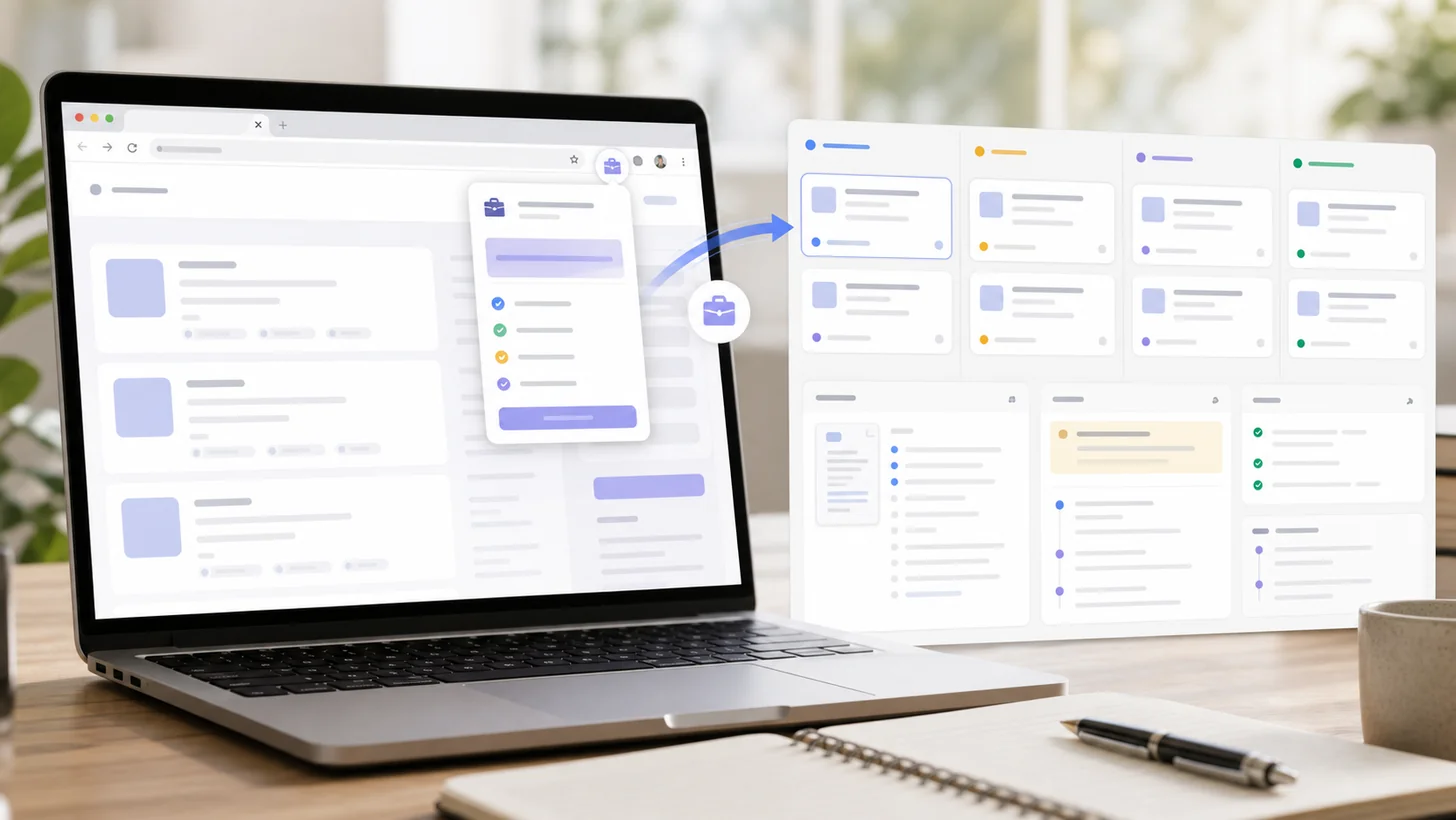
Gemini can help, but it usually requires you to move between your resume, the job description, prompts, and the draft. Minova is built around the job application workflow, so you can keep your resume, job details, match insights, and writing help closer together.
Use Minova to compare your resume with a target job, identify missing keywords, rewrite weak sections, and create more focused application materials. Then use Gemini only when you want another drafting pass or a different phrasing option.
Final Review Checklist
Before sending an AI-assisted cover letter, check that it:
- Fits on one page and uses short paragraphs.
- Names the correct company and role.
- Matches the job description without keyword stuffing.
- Includes only true achievements, tools, dates, and metrics.
- Sounds like your normal professional voice.
- Explains anything important that your resume does not make obvious.
- Has no copied placeholders, AI instructions, or invented details.
Frequently Asked Questions
Can Gemini write a complete cover letter for me?
Yes, Gemini can draft a complete letter, but you should treat it as a first draft. Review every claim, remove generic phrasing, and add details only you know.
Should I upload my resume to Gemini?
You can, if you are comfortable with the privacy tradeoff and the file is easy for Gemini to read. For better control, paste only the resume sections that matter for the target job.
How do I make a Gemini cover letter sound less like AI?
Give it real proof points, ask for plain language, avoid exaggerated adjectives, and edit the opening and closing yourself. Specific context is what makes the letter sound human.
Is it okay to use the same Gemini prompt for every job?
Use the same prompt framework, but change the job description, achievements, company context, and target skills for each application.