
Use this template
Add your own experience and make this layout yours.
Resume Example
This resume format works exceptionally well for ATS optimization due to its clear and structured layout that highlights key skills and experience relevant to a Wedding Videographer role. The inclusion of quantifiable achievements and professional titles helps in ranking higher on search engines, making it easier for potential employers or clients to find the candidate through keyword searches.
Furthermore, by incorporating industry-specific keywords such as 'storytelling', 'cinematography', and 'video editing' into both the summary and throughout the document, this template ensures that job applications are not only optimized for human readers but also for automated systems. The strategic placement of contact information at the top allows recruiters to easily reach out if they're interested in hiring or collaborating with a specialist like Sophia Martinez.
Instant Resume Score
Upload your resume for an instant ATS score and practical, role-specific improvements.
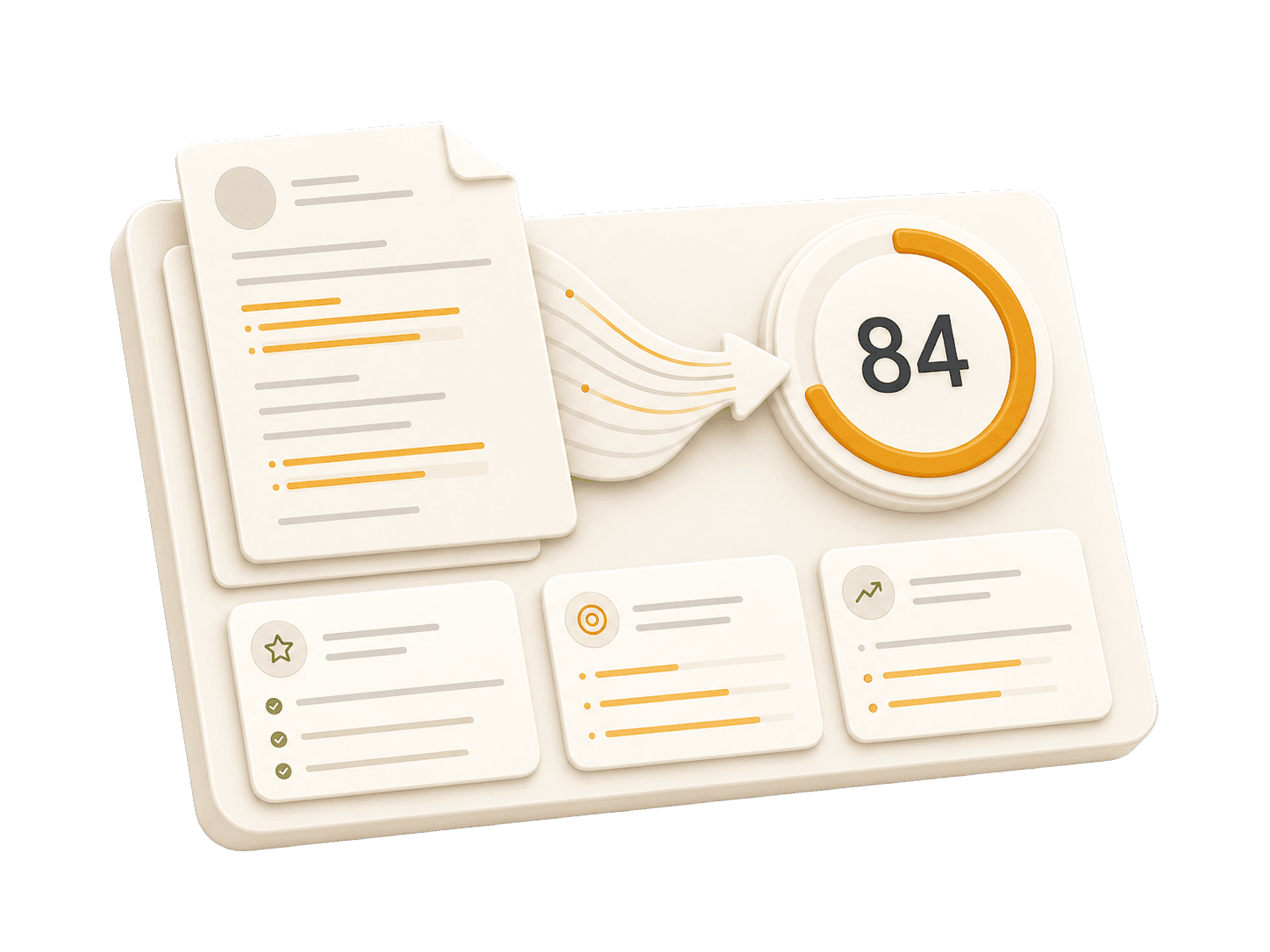
Add your resume to run a free score and get prioritized fixes.
Expert guidelines and best practices for each section of your resume.
01
First Name Last Name City, State, Zip Code Phone Number | Email Address LinkedIn Profile URL | Portfolio URL (Optional)
Your contact information is the first section recruiters see. Keep it concise and professional. Ensure your email address is appropriate (e.g., [email protected]). Include your LinkedIn profile for a comprehensive view of your professional journey. A portfolio or personal website is recommended for creative, technical, or design roles.
Do not include your full physical address (street number/name) for privacy reasons. Avoid including personal details like marital status, age, photo, or social security number unless specifically required in your country. Don't use unprofessional email addresses.
John Doe 1234 Random St, Apt 56 New York, NY 10001 [email protected] github.com/aliciacode Single, 28 years old
John Doe New York, NY (555) 123-4567 | [email protected] linkedin.com/in/johndoe | johndoe.com
Jane Smith Apt B34, Happy Homes Condo Los Angeles, CA 90018 [email protected]
Jane Smith Los Angeles, CA (555) 765-4321 | [email protected] linkedin.com/in/janesmith | janesmithphotography.com
02
Professional Title Result-oriented [Role Name] with [Number] years of experience in [Key Skills/Industries]. Proven track record of [Major Achievement]. Skilled in [Key Technologies/Skills]. Committed to delivering [Specific Value] for [Target Industry/Company type].
A professional summary is your elevator pitch. It should be 3-5 sentences long, summarizing your experience, key skills, and major achievements. Tailor it to the job description by using relevant keywords. Focus on what makes you unique and the value you bring to potential employers.
Avoid generic objectives like 'Looking for a challenging role to grow my skills.' Recruiters want to know what value you bring to them, not what you want from them. Don't use first-person pronouns (I, me, my). Keep it concise and impactful.
Compare a weak objective with a strong professional summary.
Objective: I am a hard-working individual looking for a Wedding Videographer position where I can learn new things and advance my career.
Senior Wedding Cinematographer with over 5 years of experience in high-end wedding videography. Produced a critically acclaimed film that was featured on multiple prestigious wedding blogs, reducing editing time by 30% through innovative workflow systems.
03
Technical Skills - Cameras & Equipment: [List] - Editing Software: [List] - Lighting Techniques - Audio Recording Tools Soft Skills - Creativity, Time Management, Communication
Organize technical and soft skills separately. Prioritize tools and software directly relevant to wedding videography. Highlight proficiency in specific technologies used daily, such as Adobe Premiere Pro or drone filming. Demonstrate soft skills through experience descriptions.
Do not list skills you are not comfortable discussing. Avoid subjective skill level indicators like percentages or stars. Exclude outdated technology unless it’s essential for the job.
Java: Proficient, C++: Beginner
Adobe Premiere Pro: Expert, DaVinci Resolve: Advanced
Communication skills
Effective communication with clients and team members to ensure project success.
04
Job Title | Company Name | Location Month Year – Month Year - Action Verb + Context + Result (Quantified) - Led [Project] resulting in [Outcome]... - Collaborated with [Team] to implement [Feature]...
This is the core of your resume. Use reverse-chronological order (most recent first). Start each bullet with a strong action verb. Focus on achievements and impact, not just duties. Use numbers to quantify your impact (dollars, percentages, time saved, users affected). Show progression and increasing responsibility.
Avoid passive language like 'Responsible for...' or 'Tasked with...'. Don't list every single daily task; focus on significant contributions and measurable outcomes. Avoid jargon that recruiters outside your field won't understand.
Practical example showing do's and don'ts for experiences
Handled video editing tasks for wedding films.
Edited over 100 weddings, achieving a 98% client satisfaction rate.
Used software to edit videos efficiently.
Developed and implemented advanced editing workflows in Adobe Premiere Pro, reducing production time by 35% for each project.
05
Degree Name | University Name | Location Month Year – Month Year - Relevant Coursework: [Course 1], [Course 2] - Honors/Awards: [Award Name] - GPA: X.X (if above 3.5)
List your highest degree first. If you have significant work experience, keep the education section brief. Include your GPA only if it is above 3.5 or if you are a recent graduate. Highlight relevant coursework, academic projects, honors, or leadership roles.
Do not include high school details if you have a college degree. Avoid listing every single course you took; select only the most relevant ones. Don't include graduation dates from decades ago if age discrimination is a concern in your field.
Practical example showing do's and don'ts for educations
Bachelor of Arts | San Francisco State University | San Francisco, CA January 2013 – May 2017 - Courses: Introduction to Film Studies, Media Ethics, Video Production, Audio Engineering, Television Production Techniques, Screenwriting, Advanced Editing, Cinematography Fundamentals, Storytelling in the Digital Age
Bachelor of Arts in Film & Television Production | San Francisco State University | San Francisco, CA September 2013 – May 2017 - Relevant Coursework: Cinematography, Video Editing, Storytelling Techniques
06
Project Name | Tools/Technologies Used - Briefly describe what you created and its purpose - Highlight specific challenges you solved - Link to portfolio or demo if available
Projects are excellent for demonstrating practical skills, especially if you lack work experience or are changing careers. Include a link to your portfolio or demo if possible. Focus on projects that show problem-solving skills and relevant tools for the target role.
Don't include trivial tutorials unless you significantly expanded on them. Avoid projects that are outdated, incomplete, or irrelevant to the role you're applying for. Don't just list technologies—explain what you created and why it matters.
Practical example showing do's and don'ts for projects
Created a video using Adobe Premiere Pro, but the project was incomplete and lacked context about its purpose or audience.
Produced a 3-minute wedding day highlight reel featuring drone footage and cinematic storytelling techniques. Used Adobe Premiere Pro to seamlessly blend aerial shots with close-up moments, addressing the challenge of capturing unique angles in tight spaces.
Common questions about this role and how to best present it on your resume.
Essential skills include proficiency in DSLR cameras, lighting techniques, editing software like Adobe Premiere Pro and Final Cut Pro.
Highlight freelance work or volunteer projects during the gap to show continuous skill development.
Experience with wedding ceremonies, understanding of videography principles, and customer service skills are crucial.
Include testimonials from clients, showcase an evolving portfolio, and mention any leadership roles or expanded responsibilities.
Transform your resume into an interview magnet with AI-powered optimization trusted by job seekers worldwide.
The average job seeker spends 3+ hours formatting a resume. Our AI does it in under 15 minutes, getting you to the application phase 12x faster.