
Use this template
Add your own experience and make this layout yours.
Resume Example
Marcus Reed
Senior Asset Protection Specialist
[email protected] | +1 (408) 567-9823 | linkedin.com/in/jordan-henderson | jordanhenderson.net | San Francisco, CA
Professional Summary
Asset protection specialist with 5+ years of experience reducing shrink, investigating incidents, and strengthening store and inventory controls. Partners with operations, HR, and store leadership to improve CCTV coverage, access procedures, and case documentation. Known for turning surveillance findings and audit results into practical actions that reduce loss and support safer locations.
Work Experience
Senior Asset Protection Specialist
01/2022
Tech Company Inc
San Francisco, CA
•
Built a location-level asset protection playbook for cash handling, receiving, and high-value merchandise, helping cut shrink by 40% across assigned stores.
•
Coached five analysts on incident intake, CCTV review, and case escalation, improving response consistency during theft, fraud, and safety investigations.
•
Partnered with legal, HR, and operations to standardize evidence handling and reporting for internal theft and policy violations.
•
Led recurring audits of cameras, alarm coverage, and access controls, resolving 30 high-priority gaps before peak sales periods.
Asset Protection Specialist
06/2020 - 12/2021
Previous Company Inc
San Francisco, CA
•
Introduced a case-tracking workflow that cut average incident response time by 50% and clarified follow-up ownership for store teams.
•
Investigated 15 high-risk theft and fraud cases, documenting findings that helped prevent more than $200K in losses.
Security Analyst
10/2018 - 05/2020
Another Company Inc
San Francisco, CA
•
Supported store risk assessments across physical security, inventory movement, and after-hours access, surfacing 20 control gaps for remediation.
•
Trained 10 supervisors on de-escalation, evidence documentation, and exception reporting to improve frontline policy compliance.
Skills
AI-driven surveillance systems, Blockchain technology, Data analytics platforms, Penetration testing, Interpersonal communication skills, Customer relationship management (CRM) software, Conflict resolution, Training and mentorship
Education
Bachelor of Science in Criminal Justice
09/2018 - 05/2023
University of California, Berkeley
Berkeley, CA
Projects
AI Security Bot Prototype
https://github.com/jordanhenderson/ai-security-bot
Built a computer-vision prototype that flagged after-hours movement and repeat behavior patterns in CCTV footage so analysts could review higher-risk events first.
Blockchain Asset Tracking System
Designed a proof of concept for chain-of-custody tracking on high-value devices, testing how serialized handoff records could reduce disputes during audits and investigations.
Certifications
Certified Information Systems Security Professional (CISSP)
04/2025
Certified Fraud Examiner (CFE)
10/2024
This resume format works well for ATS (Applicant Tracking Systems) because it clearly outlines the candidate's experience and skills in a structured manner. The use of specific keywords related to asset protection and cybersecurity ensures that the document is easily searchable by HR software, enhancing visibility among relevant job postings.
The inclusion of quantifiable achievements such as reduction in security breaches or cost savings due to implemented measures helps stand out from other candidates. This approach not only highlights technical skills but also demonstrates a candidate's ability to apply these skills effectively in real-world scenarios.
Instant Resume Score
Upload your resume for an instant ATS score and practical, role-specific improvements.
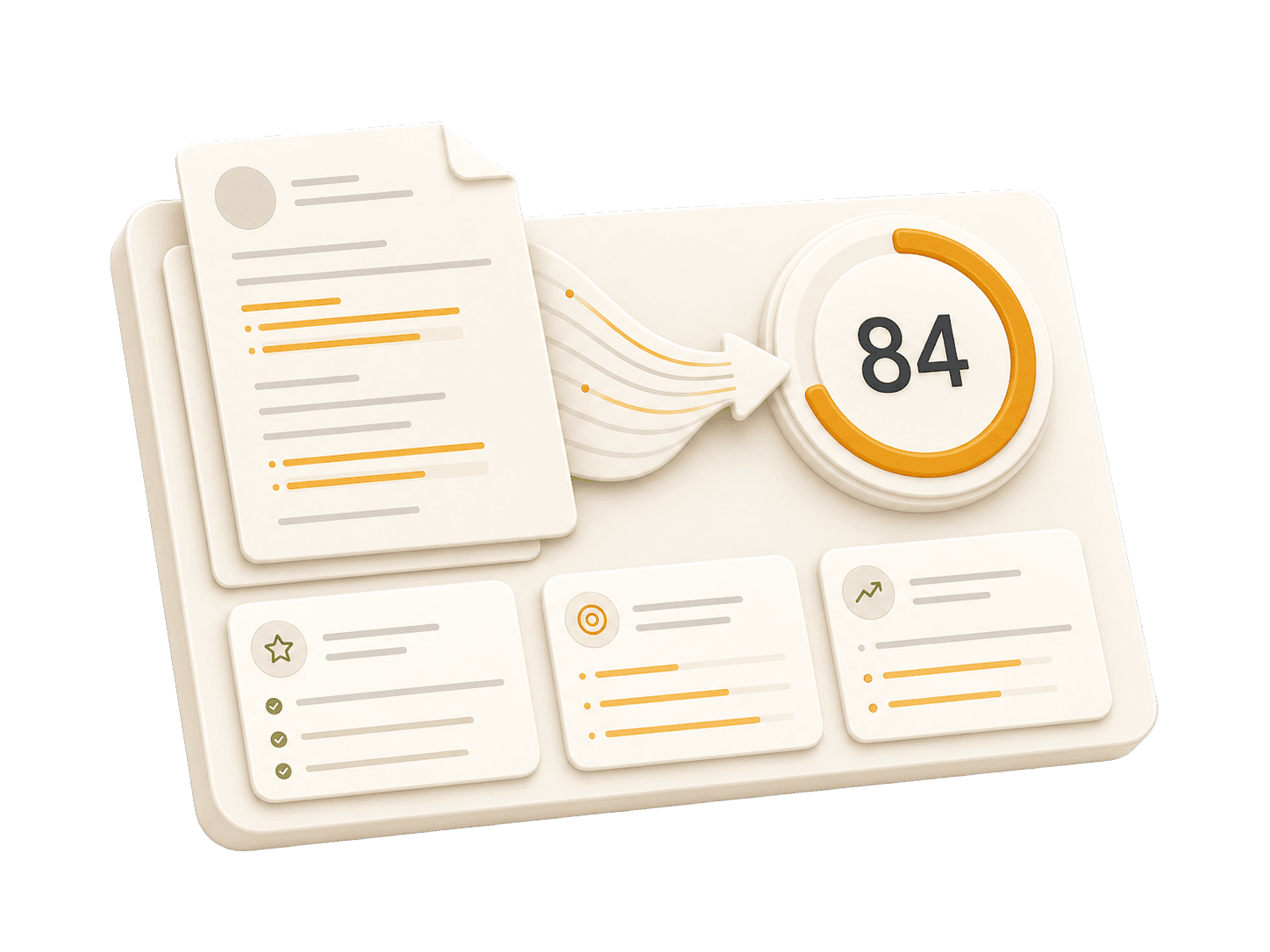
Add your resume to run a free score and get prioritized fixes.
Expert guidelines and best practices for each section of your resume.
01
First Name Last Name City, State, Zip Code Phone Number | Email Address LinkedIn Profile URL | Portfolio URL (Optional)
Your contact information is the first section recruiters see. Keep it concise and professional. Ensure your email address is appropriate (e.g., [email protected]). Include your LinkedIn profile for a comprehensive view of your professional journey. A portfolio or personal website is recommended for creative, technical, or design roles.
Do not include your full physical address (street number/name) for privacy reasons. Avoid including personal details like marital status, age, photo, or social security number unless specifically required in your country. Don't use unprofessional email addresses.
See clear examples of how to format contact details effectively.
John Doe 1234 Random St, Apt 56 New York, NY 10001 [email protected] github.com/aliciacode Single, 28 years old
John Doe New York, NY (555) 123-4567 | [email protected] linkedin.com/in/johndoe | johndoe.com
02
Professional Title
Result-oriented [Role Name] with [Number] years of experience in [Key Skills/Industries]. Proven track record of [Major Achievement]. Skilled in [Key Technologies/Skills]. Committed to delivering [Specific Value] for [Target Industry/Company type].
A professional summary is your elevator pitch. It should be 3-5 sentences long, summarizing your experience, key skills, and major achievements. Tailor it to the job description by using relevant keywords. Focus on what makes you unique and the value you bring to potential employers.
Avoid generic objectives like 'Looking for a challenging role to grow my skills.' Recruiters want to know what value you bring to them, not what you want from them. Don't use first-person pronouns (I, me, my). Keep it concise and impactful.
Compare a weak objective with a strong professional summary.
Objective: I am a hard-working individual looking for an Asset Protection Specialist position where I can learn new things and advance my career.
Senior Asset Protection Specialist with 6+ years of experience in shrink reduction, investigations, and retail security operations. Improved reporting workflows, strengthened CCTV and access-control practices, and partnered with store leaders to reduce loss and resolve incidents faster.
03
Technical Skills
Soft Skills
Group your skills logically (e.g., Languages, Frameworks, Tools). Focus on hard skills relevant to the job. List skills in order of proficiency or relevance. Soft skills are better demonstrated through bullet points in your experience section rather than a bare list.
Do not list skills you are not comfortable using in an interview. Avoid using progress bars or percentages to rate your skills (e.g., "Java: 80%"). Don't include outdated technologies unless specifically required.
Practical example showing do's and don'ts for skills
Technical Skills
Technical Skills
Soft Skills
04
Job Title | Company Name | Location Month Year – Month Year
This is the core of your resume. Use reverse-chronological order (most recent first). Start each bullet with a strong action verb. Focus on achievements and impact, not just duties. Use numbers to quantify your impact (dollars, percentages, time saved, users affected). Show progression and increasing responsibility.
Avoid passive language like "Responsible for..." or "Tasked with...." Don't list every single daily task; focus on significant contributions and measurable outcomes. Avoid jargon that recruiters outside your field won't understand.
Practical example showing do's and don'ts for experiences
Responsible for monitoring surveillance footage and logging incidents daily.
Monitored surveillance footage, identifying suspicious activities that led to the prevention of 15 potential security breaches.
Assisted in implementing a new AI-driven system without specifying impact or details.
Implemented an advanced AI-driven surveillance system which reduced response time by 40%, leading to a decrease in incidents by 30%.
05
Degree Name | University Name | Location Month Year – Month Year
List your highest degree first. If you have significant work experience, keep the education section brief. Include your GPA only if it is above 3.5 or if you are a recent graduate. Highlight relevant coursework, academic projects, honors, or leadership roles.
Do not include high school details if you have a college degree. Avoid listing every single course you took; select only the most relevant ones. Don't include graduation dates from decades ago if age discrimination is a concern in your field.
Practical example showing do's and don'ts for educations
Bachelor of Science in Criminal Justice, XYZ University - Springfield, MO September 2018 – May 2023
Bachelor of Science in Criminal Justice | University of California, Berkeley | Berkeley, CA September 2018 – May 2023
06
Project Name | Tools/Technologies Used
Projects are excellent for demonstrating practical skills, especially if you lack work experience or are changing careers. Include a link to your portfolio or demo if possible. Focus on projects that show problem-solving skills and relevant tools for the target role.
Don't include trivial tutorials unless you significantly expanded on them. Avoid projects that are outdated, incomplete, or irrelevant to the role you're applying for. Don't just list technologies—explain what you created and why it matters.
Practical example showing do's and don'ts for projects
Built a basic chatbot using Dialogflow without adding any unique features or solving specific problems related to asset protection. This project is not relevant to the role.
Developed an AI-driven security bot using Python and machine learning to analyze real-time data from surveillance systems, identifying potential threats before they occur. Utilized TensorFlow for model training and Flask for API development.
Common questions about this role and how to best present it on your resume.
Focus on risk assessment, CCTV review, incident documentation, interviewing, case management, and clear communication with store and operations teams.
Address short gaps briefly and focus on what stayed relevant, such as contract work, training, volunteering, or caregiving responsibilities handled alongside skill development.
Employers often value experience in loss prevention, investigations, retail operations, or security. Certifications can help, but measurable results in shrink reduction and incident handling usually matter more.
Highlight how your scope expanded over time, such as moving from monitoring and reporting to investigations, training, audit ownership, or multi-site support.
In minutes, create a tailored, ATS-friendly resume proven to land 6X more interviews.
The average job seeker spends 3+ hours formatting a resume. Our AI does it in under 15 minutes, getting you to the application phase 12x faster.