Use this template
Add your own experience and make this layout yours.
Resume Example
Emily Wright
Archivist | Digital Preservation Specialist
[email protected] | +1 (503) 987-6543 | linkedin.com/in/emily-wright-archive | emilywrightarchive.com | Portland, OR
Professional Summary
Archivist with 5+ years of experience managing digital collections, metadata standards, and preservation workflows for research and cultural heritage records. Improves access by organizing born-digital and digitized materials, refining finding aids, and partnering with IT teams on repository and storage workflows. Works with Python, SQL, ArchivesSpace, and DAMS platforms to support accurate description, retention, and long-term access.
Work Experience
Senior Archivist
03/2024
Digital Records Preservation Society
San Francisco, CA
•
Led preservation workflows for born-digital and digitized collections, improving retrieval for staff and researchers.
•
Standardized metadata templates and quality checks to improve tagging consistency across new archive uploads.
•
Coordinated storage reviews and retention schedules that reduced duplicate files and lowered storage costs by 25%.
•
Trained 8 staff members on accessioning, description, and file-handling procedures to support consistent processing.
Archivist
11/2021 - 02/2024
Historical Archive Solutions
New York, NY
•
Cataloged 5,000 digital records using controlled vocabularies and consistent naming conventions to improve discovery.
•
Worked with the IT team to move selected collections to cloud storage and document backup and access procedures.
Assistant Archivist
09/2020 - 10/2021
Library of Digital Memory
Seattle, WA
•
Prepared 2,500 physical documents for scanning and quality review as part of an ongoing digitization project.
•
Supported implementation of a digital asset management system that reduced manual data entry by 60%.
Skills
Metadata Standards, Cloud Storage Solutions, Data Retrieval Optimization, Digital Asset Management Systems (DAMS), Machine Learning Algorithms, Predictive Analytics, Automated Metadata Tagging, Python for Data Science
Education
Master's Degree in Information Science (Concentration: Digital Archives)
09/2021 - 05/2023
Portland State University
Portland, OR
Projects
Historical Data Visualization Tool
Built an interactive Python and D3.js tool to visualize collection trends and help researchers explore historical data more efficiently.
AI-Driven Metadata Enhancement
emilywrightarchive.com/projects/ai-driven-metadata-enhancement
Developed a metadata cleanup prototype that flags inconsistent fields in digital archive records before ingest.
Certifications
AI in Archival Studies Certification
05/2024
Digital Asset Management Specialist
10/2023
This resume format works well for ATS (Applicant Tracking Systems) because it includes specific keywords that are relevant to the archivist profession such as 'digital preservation specialist,' 'metadata frameworks,' and 'AI-driven archival systems.' The inclusion of these terms helps ensure that the resume is recognized by automated systems used by employers. Additionally, the concise yet detailed summary provides a clear overview of Emily Wright's professional experience and skills, which are crucial for human reviewers to quickly understand her value as an archivist.
Instant Resume Score
Upload your resume for an instant ATS score and practical, role-specific improvements.
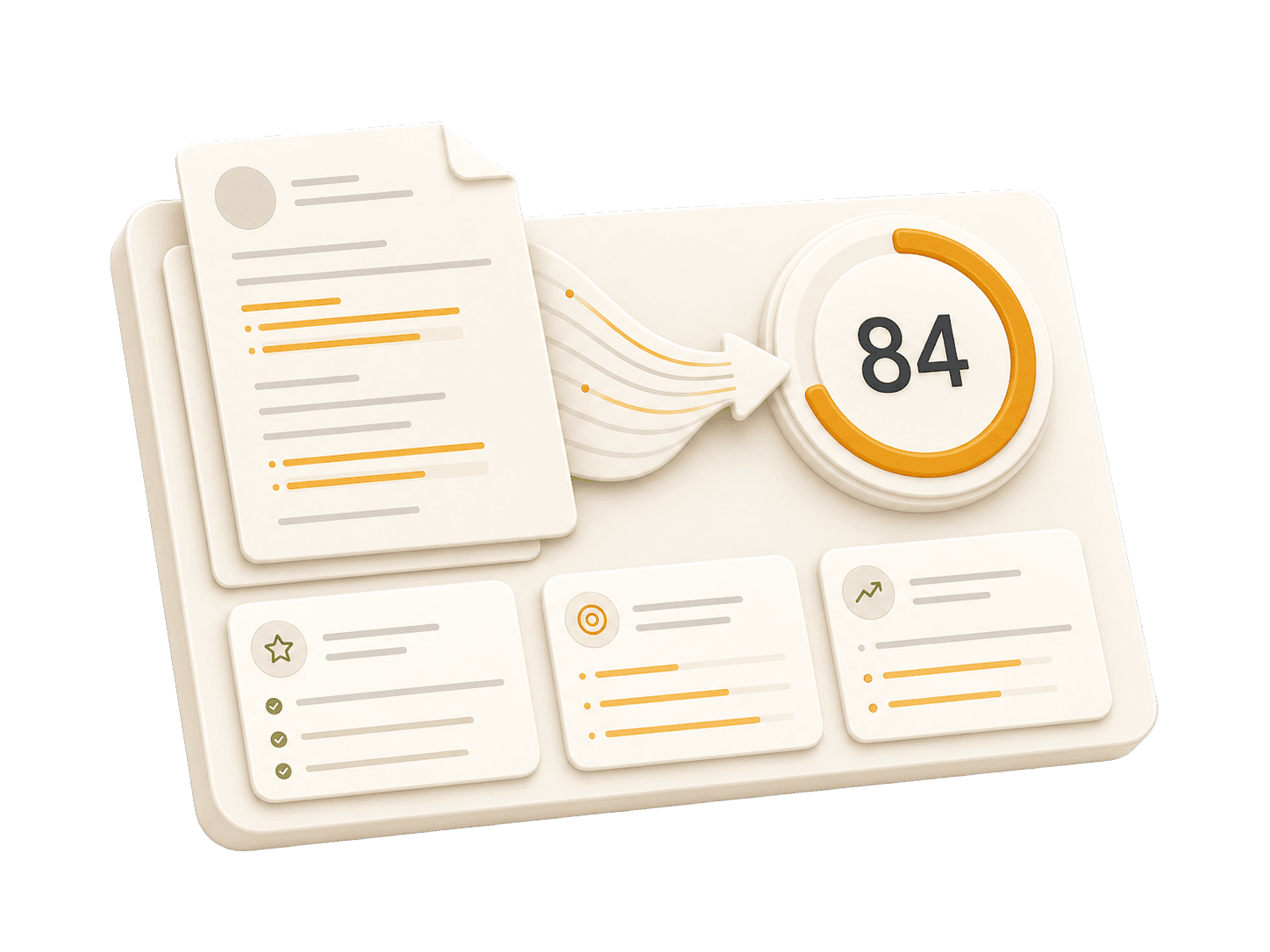
Add your resume to run a free score and get prioritized fixes.
Expert guidelines and best practices for each section of your resume.
01
First Name Last Name City, State, Zip Code Phone Number | Email Address LinkedIn Profile URL | Portfolio URL (Optional)
Your contact information is the first section recruiters see. Keep it concise and professional. Ensure your email address is appropriate (e.g., [email protected]). Include your LinkedIn profile for a comprehensive view of your professional journey. A portfolio or personal website is recommended for creative, technical, or design roles.
Do not include your full physical address (street number/name) for privacy reasons. Avoid including personal details like marital status, age, photo, or social security number unless specifically required in your country. Do not use unprofessional email addresses.
See clear examples of how to format contact details effectively.
John Doe 1234 Random St, Apt 56 New York, NY 10001 [email protected] github.com/aliciacode Single, 28 years old
John Doe New York, NY (555) 123-4567 | [email protected] linkedin.com/in/johndoe | johndoe.com
02
Professional Title
Result-oriented [Role Name] with [Number] years of experience in [Key Skills/Industries]. Proven track record of [Major Achievement]. Skilled in [Key Technologies/Skills]. Committed to delivering [Specific Value] for [Target Industry/Company type].
A professional summary is your elevator pitch. It should be 3-5 sentences long, summarizing your experience, key skills, and major achievements. Tailor it to the job description by using relevant keywords. Focus on what makes you unique and the value you bring to potential employers.
Avoid generic objectives like 'Looking for a challenging role to grow my skills.' Recruiters want to know what value you bring to them, not what you want from them. Don't use first-person pronouns (I, me, my). Keep it concise and impactful.
Compare a weak objective with a strong professional summary.
Objective: I am a hard-working individual looking for a Archivist position where I can learn new things and advance my career.
Experienced Digital Preservation Specialist with over 5 years of hands-on experience in integrating AI technologies into archival practices. Successfully led projects to enhance metadata tagging accuracy and user engagement, resulting in improved data retrieval efficiency by 30%. Skilled in Python, machine learning algorithms, and digital asset management systems (DAMS).
03
Technical Skills
Soft Skills
Group your skills logically (e.g., Languages, Frameworks, Tools). Focus on hard skills relevant to the job. List skills in order of proficiency or relevance. Soft skills are better demonstrated through bullet points in your experience section rather than a bare list.
Do not list skills you are not comfortable using in an interview. Avoid using progress bars or percentages to rate your skills (e.g., "Java: 80%"). Do not include outdated technologies unless specifically required.
Practical example showing do's and don'ts for skills
Listed Python as a skill but never used it in projects.
Python, TensorFlow, SQL
Included Adobe Photoshop under Tools, which is irrelevant to archiving roles.
Digital Asset Management Systems (DAMS), ArchivesSpace, Python for Data Science
04
Job Title | Company Name | Location Month Year – Month Year
This is the core of your resume. Use reverse-chronological order (most recent first). Start each bullet with a strong action verb. Focus on achievements and impact, not just duties. Use numbers to quantify your impact (dollars, percentages, time saved, users affected). Show progression and increasing responsibility.
Avoid passive language like 'Responsible for...' or 'Tasked with...'. Don't list every single daily task; focus on significant contributions and measurable outcomes. Avoid jargon that recruiters outside your field won't understand.
Practical example showing do's and don'ts for experiences
Implemented a digital conversion project, which improved the accessibility of physical records in our database.
Led a digital conversion pilot project that enhanced metadata tagging accuracy by 50% and increased user engagement with historical records.
05
Degree Name | University Name | Location Month Year – Month Year
List your highest degree first. If you have significant work experience, keep the education section brief. Include your GPA only if it is above 3.5 or if you are a recent graduate. Highlight relevant coursework, academic projects, honors, or leadership roles.
Do not include high school details if you have a college degree. Avoid listing every single course you took; select only the most relevant ones. Don't include graduation dates from decades ago if age discrimination is a concern in your field.
Practical example showing do's and don'ts for educations
Bachelor of Arts | XYZ University | Anytown, USA September 2015 – May 2019
Master's Degree in Archival Studies | Portland State University | Portland, OR September 2021 – May 2023
06
Project Name | Tools/Technologies Used
Projects are excellent for demonstrating practical skills, especially if you lack work experience or are changing careers. Include a link to your portfolio or demo if possible. Focus on projects that show problem-solving skills and relevant tools for the target role.
Don't include trivial tutorials unless you significantly expanded on them. Avoid projects that are outdated, incomplete, or irrelevant to the role you're applying for. Don't just list technologies—explain what you created and why it matters.
Practical example showing do's and don'ts for projects
Created a basic web scraper using Python to scrape data from Wikipedia pages about historical events. It included no customization or analysis beyond what is found in online tutorials.
Developed an advanced event timeline generator, utilizing Python and machine learning algorithms to analyze patterns within historical datasets from various sources including the Library of Congress API and other reputable archives.
Common questions about this role and how to best present it on your resume.
Highlight digital preservation, metadata standards, cataloging, records management, and the tools you use to organize and protect collections.
Focus on the most relevant work, emphasize recent systems and workflows, and show how your experience improves access, accuracy, or compliance.
Many archivist roles prefer a background in archives, library science, history, or information management, especially when paired with hands-on preservation experience.
Show progression from processing and cataloging work into ownership of preservation workflows, repository projects, training, or cross-functional coordination.
Join thousands who transformed their careers with AI-powered resumes that pass ATS and impress hiring managers.
3 out of 4 resumes never reach a human eye. Our keyword optimization increases your pass rate by up to 80%, ensuring recruiters actually see your potential.